varsha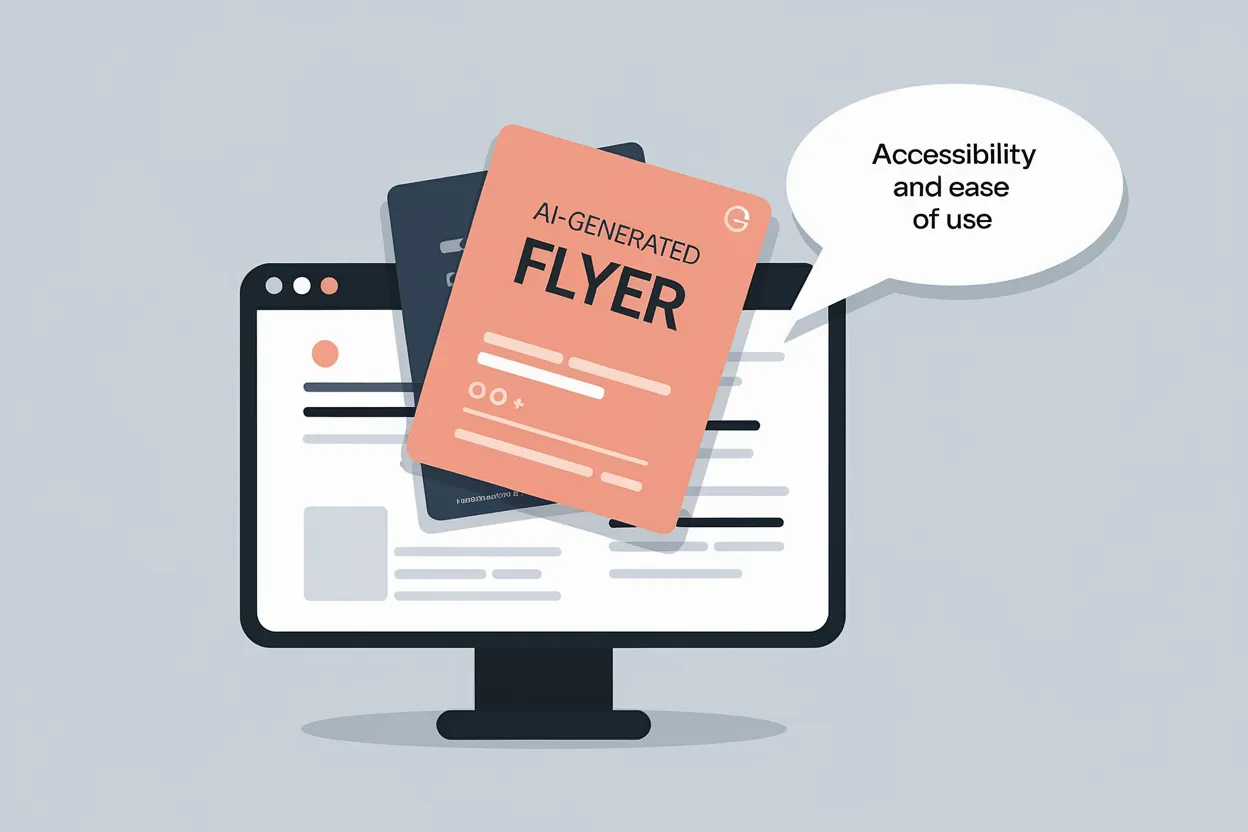
The best way to showcase what your restaurant’s offering is via eye-catching flyers and posters. In a digitally-advanced world, flyers are a hybrid method to get new customers and announce the latest sales, discounts, and events. If you have no prior design experience, fret not. There are many AI design tools that can simplify and speed up the process for you.
In today’s guide, we’ll dive into some of the best AI flyer maker tools and compare pricing, best use cases, features, and more. Similarly, we’ll go over tips and tricks that make flyer designing easy yet effective.
1. Canva
Overview
Canva’s a renowned market leader when it comes to general-purpose design. With millions of templates, this platform is used by many, beginners and professionals alike. Its user interface is simple, easy-to-navigate, and beginner-friendly. It also offers an AI suite full of features to streamline your workflow and make designing easier than ever.
Design Features
- Magic Edit (Add, replace, or change text)
- Background Remover (Isolate subjects instantly)
- Magic Design (Generate design layouts)
- Style Match (Match colour palettes and moods)
- Collaboration (Work with your team in real-time)
Best Case Uses
- Full menu design
- Merchandising templates
- Animated video content
- Brand identity kits
Pricing
- Free tier
- Canva Pro: $12.99/month
- Canva Teams: $14.99/month
- Canva Enterprise: Custom pricing
2. Snappa
Overview
Snappa is a lightweight photo-based design tool built on the principles of ease, simplicity, and being up-to-date with the latest trends. This platform provides pre-sized and customizable templates, smart AI features, and a drag-and-drop workflow. If you’re new to graphic design, you can start designing right away with Snappa.
Design Features
- Background Remover (Delete backgrounds)
- Custom Fonts (Use own typography)
- Photo Effects (Filters, contrast, and blurring)
- Social Media Scheduler (Schedule and post directly)
- Collaboration (Share colours, folders, and assets)
Best Case Uses
- Daily special prompts
- Blog and newsletter headers
- Multi-platform ads
- Transparent food posters
Pricing
- Free
- Pro: $15/month (billed monthly)
3. Visme
Overview
Looking for a design platform that turns mundane numbers into powerful presentations, charts, and graphs? Look no further, Visme’s got you covered. This tool is great for interactive reports, infographics, and microsites. It also offers a drag-and-drop editor, templates, and pre-sized layouts for quick designing. Flyers are not this platform’s strongest suit, but you can design them on Visme anyway.
Design Features
- Data Charting (Gantt, Mekko, and Waterfall charts)
- Interactive Content (Pop-ups, hotspots, and clickable menus)
- AI Designer Suite (Generates layouts)
- Microsite Builder (Code-free webpage design)
- Export Options (Live presentation tracking links, HTML5 files, and PowerPoint templates)
Best Case Uses
- Interactive digital menus
- Investor pitch decks
- Franchise training modules
- Performance dashboard reports
Pricing
- Free tier
- Starter: $12.25/month
- Pro: $24.75/month
- Enterprise: Custom pricing
4. Piktochart
Overview
Piktochart is a middle-ground platform between Snappa’s quick social media layout generation and Visme’s powerful data visualization tools. It can help you create structured reports, presentations, and flyers to display numbers and statistics. It also offers a block-based editor so you can easily re-arrange and align your content without breaking design cohesiveness.
Design Features
- Pikto AI Engine (Generates layouts)
- Charting and Maps (Venn diagrams, maps, and geographic maps)
- Document Components (Structured blocks for long-form layouts)
- Component Gallery (Pre-designed timeline flows and comparison tables)
- Interactive Map Maker (Highlight categories and assign colour codes)
Best Case Uses
- Sustainability reports
- Franchise performance review presentations
- Laminated kitchen prep infographics
Pricing
- Free
- Pro: $14/month per user
- Business: $24/month per user
5. PosterMyWall
Overview
PosterMyWall is an all-in-one marketing hub for streamlining your workflow. It offers design tools such as customizable templates, drag-and-drop editing, and many AI-assisted features. It also offers publishing tools such as a content planner, email scheduler, and landing page creation. The interface is beginner-friendly and easy-to-navigate so regardless of your skill level, you’ll be able to create something unique for your restaurant.
Design Features
- Restaurant Layouts (1 million customizable templates)
- AI Background Remover (Remove backgrounds from any image)
- Direct Email Campaigns (Distribute campaigns directly to database)
- AI Copywriting (Generates text copies)
- AI Video Captioning (Transcribes audio)
- AI Resize (Resizes layouts to appropriate dimensions)
Best Case Uses
- Event flyers
- Email marketing campaigns
- Ticketed event landing pages
- Digital menu board
- Localized special promotions
Pricing
- Free tier
- Premium: $9.95/month
- Premium Plus: $29.95/month
6 Tips to Master The Recipe of High-Converting Restaurant Flyers
Now that you have a design platform to your liking, it’s time to start designing. However, there are a few rule-of-thumb tips to ensure that your flyer doesn’t just look good but actually performs well. A thoughtfully designed flyer should achieve the following:
- Grab new customers’ attention
- Build appetite
- Make it simple for customers to visit, order, or book a table
Let’s learn how to incorporate these principles into your flyer design.
1. Lead with Hero Photography
People need to know what your food looks like before they decide to try out your restaurant. That’s why it’s wise to place a high-resolution, signature dish at the center of your flyer layout. The picture should be professionally-shot and there should be enough spacing around it for it to stand out.
This will instantly trigger hunger and yield better marketing results than text-only flyers.
2. Write a Strong Hook
People need a one-liner that describes action, intent, and result. If you want high-impact flyers, use punchy headlines that focus on the benefit the customers derive. Mention top-selling dishes, reviews, and discounts to sustain audience’s attention and propel them to take action.
3. Include a Clear Call-to-Action (CTA)
What good is your flyer if your audience doesn’t know what to do next? That’s why it’s important to direct readers by inserting a scannable QR code for reservations in your design. You can also put social media CTA captions such as: “Book your table today!”.
4. Keep It Clean
The last thing customers want to see is a cluttered and overwhelming flyer. If you want it to have the intended effects, keep your details clean and easy-to-read. List important details such as:
- Address
- Operational hours
- Website name
- Location
- Cuisines offered
Make sure the font isn’t too small and remains readable on both digital and print uses. Also, never use more than 2-3 fonts and always maintain contrast between text and the background for better readability.
5. Use Colour Psychology
The colours you pick have a big impact on the readers’ psyche. If you want to stimulate appetites, use warm tones like rich reds, deep oranges, and fresh greens. The key to employing colour psychology well is through consistency. The colour palette on your flyer should be aligned with your restaurant’s branding, type of food, and target audience.
6. Optimize for Both Print and Digital
Flyers are not just limited to physical paper, but also social media. If you want your flyer to perform well on WhatsApp, Instagram, and local community groups, make sure your design is optimized for all sorts of formats. Here are some best practices to keep in mind:
- Mobile-friendly dimensions
- Text should be readable on smaller screens
- File sizes should be compressed for faster loading
- Design square or vertical versions of flyers for social media
If your flyer does well on social media and in real life, it’ll have a stronger impact with a much wider reach.